Planning your website’s user journey is a crucial step in creating an engaging online experience that resonates with visitors. A well-structured user journey not only enhances user satisfaction but also drives conversions by guiding users seamlessly through your website. Understanding the intricacies of user behavior, preferences, and pain points allows you to craft a journey that is intuitive and effective, ultimately leading to the success of your website.
From defining the foundational concept of user journeys to researching your audience and continuously improving their experience, this comprehensive guide will walk you through each essential stage. We will delve into practical strategies for mapping out user interactions and addressing common challenges, ensuring that you can create an optimized pathway for your users.
Understanding User Journey
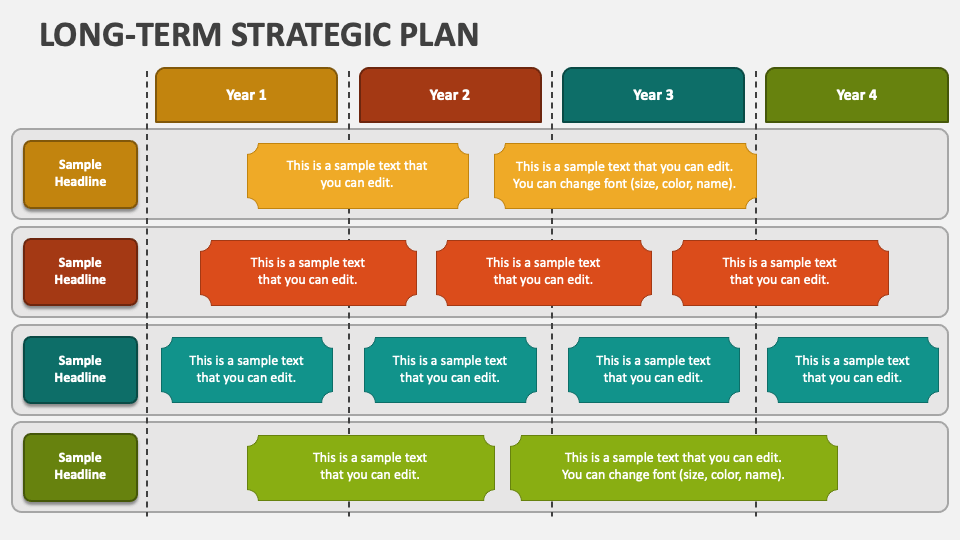
The user journey in website design is a critical aspect that encompasses the steps a visitor takes while interacting with a website. This journey involves various touchpoints that guide users from their initial interaction to achieving specific goals, such as making a purchase or signing up for a newsletter. Understanding this journey is essential for creating an effective website that meets user needs and expectations.Mapping user journeys is vital for website success as it allows designers and developers to identify pain points, streamline processes, and enhance user experience.
By visualizing the user journey, stakeholders can make informed decisions that align with the needs of their target audience, ultimately leading to higher engagement rates and conversions.
Stages of a Typical User Journey
The user journey can be divided into distinct stages, each characterized by specific user behaviors and goals. Recognizing these stages enables designers to tailor the website experience accordingly. The main stages include:
- Awareness: This stage occurs when users first encounter the website, often through search engines, social media, or referrals. Users become aware of their need for a solution and begin seeking information.
- Consideration: At this point, users actively compare options. They evaluate different websites based on content, design, and user-friendliness, seeking to understand which solution best meets their needs.
- Decision: In this stage, users are ready to make a choice. They may look for incentives such as discounts or customer reviews to solidify their decision on which website to engage with.
- Action: This stage is marked by the user taking a specific action, such as making a purchase, signing up, or downloading content. It is crucial for the website to provide a smooth experience to facilitate this action.
- Post-Purchase: After an action is taken, the user journey does not end. Users may seek follow-up communication, support, or additional recommendations. This stage is important for building long-term relationships and encouraging repeat business.
Understanding the stages of the user journey is essential for creating a website that effectively meets user expectations and drives conversions.
Researching Your Audience

Understanding the audience is a fundamental step in planning your website’s user journey. By gathering insights into user demographics and behaviors, you can tailor the website experience to meet their specific needs and expectations. This process involves various methods of data collection, the development of user personas, and the utilization of feedback tools to continuously refine the user experience.
Methods for Gathering User Demographics and Behaviors
Collecting user demographic and behavioral data is essential for crafting a website that resonates with your target audience. Effective methods for gathering this information include the following approaches:
- Surveys and Questionnaires: Deploying online surveys allows you to gather quantitative and qualitative data directly from users about their preferences, experiences, and demographics.
- Analytics Tools: Tools like Google Analytics enable you to analyze user behavior on your website, providing valuable insights into traffic sources, user location, and engagement metrics.
- Social Media Insights: Utilizing analytics available on social media platforms can provide demographic information about your audience, helping you understand their interests and behaviors.
- User Testing: Observing users as they navigate your website can reveal behavioral patterns and pain points, providing critical insights into how users interact with your content.
Creating Personas Based on Audience Research
User personas are fictional representations of your ideal customers, developed based on real data and insights. This practice allows you to visualize your audience segments and tailor your website accordingly. Key components of a well-defined persona include:
- Demographics: Age, gender, income level, and education provide a basic framework for understanding your audience.
- Goals and Motivations: Identifying what users hope to achieve when visiting your website helps shape content and functionality.
- Challenges and Pain Points: Understanding the obstacles users face can guide design choices to create a more seamless experience.
- Behavioral Patterns: Incorporating data on how users interact with similar websites can inform decisions on layout and navigation.
Tools and Techniques for User Feedback Collection
Continuous feedback collection is crucial for improving the user journey on your website. Several tools and techniques can facilitate this process:
- Feedback Forms: Simple forms placed on your website allow users to provide immediate feedback regarding their experience.
- Usability Testing Platforms: Services like UserTesting or Hotjar enable you to gather user feedback through recorded sessions and direct input.
- Net Promoter Score (NPS): Implementing NPS surveys helps gauge user satisfaction and their likelihood of recommending your website to others.
- A/B Testing: This technique involves testing different versions of your website to see which performs better, allowing for data-driven improvements.
Mapping Out the User Journey

The process of mapping out the user journey is crucial in visualizing and understanding how users will interact with your website. This step allows you to identify crucial touchpoints and ensure that the navigation is intuitive, ultimately leading to a better user experience. By developing a clear representation of users’ paths, stakeholders can make informed decisions regarding design and content.A flowchart serves as an effective tool in visualizing the user journey across various pages of your website.
It helps you capture essential interactions and pathways users take when navigating through your site. The flowchart should include the starting point, key decision nodes, and the various outcomes based on user choices. This visual representation not only aids in clarity but facilitates collaborative discussions among team members regarding user experience enhancements.
Creating a Flowchart for User Journey Visualization
To create an effective flowchart, consider the following steps to ensure comprehensive coverage of user interactions:
1. Identify Starting Points
Determine where users typically enter your website, such as landing pages, referral links, or search engine results.
2. Artikel Key Touchpoints
Highlight significant interactions users have with your content, such as product pages, contact forms, or newsletter sign-ups.
3. Define User Actions
Map out the actions users may take at each touchpoint, including clicking, scrolling, or filling out forms.
4. Establish Decision Points
Recognize where users make critical decisions, such as choosing different products or navigating to different categories.
5. Visualize Pathways
Use arrows and directional markers to illustrate how users transition from one page or action to another, ensuring clarity of flow.
6. Feedback Loops
Incorporate feedback opportunities such as ratings, comments, or surveys to capture user sentiments at various stages.The flowchart should be dynamic, allowing for modifications as new data about user behavior is gathered. By illustrating the user journey, you can pinpoint areas for improvement and enhance the overall user experience on your website.
“Visualizing the user journey provides clarity in decision-making and insights into enhancing user experience.”
Organizing Key Touchpoints and Interactions
The organization of key touchpoints and interactions is essential for creating a seamless user experience. Properly structured interactions ensure users can easily navigate through your website. Consider categorizing touchpoints into the following areas:
Informational Touchpoints
Pages that provide users with necessary information regarding products or services, such as FAQs, blogs, and about us sections.
Transactional Touchpoints
Elements where users can engage in transactions, including shopping carts, checkout pages, and payment gateways.
Support Touchpoints
Areas dedicated to user support, such as live chat, contact forms, and customer service information.
Feedback Touchpoints
Opportunities for users to provide feedback or engage in dialogue, such as surveys and reviews.By meticulously organizing these touchpoints, you ensure that users are not only informed but also engaged at every stage of their journey. The clarity in interaction design is key to driving conversions and enhancing user satisfaction.
“Strategically organized touchpoints lead to smoother navigation and increased user satisfaction.”
Detailing the Decision-Making Process
Understanding the decision-making process users follow when navigating your site is integral to enhancing their journey. Users typically follow a structured approach, which can be broken down into several stages:
1. Awareness Stage
Users recognize a need or problem, prompting their initial search for solutions.
2. Consideration Stage
Users evaluate various options, comparing features, prices, and reviews across different platforms.
3. Decision Stage
Users make informed choices based on their evaluations, leading to action, such as making a purchase or signing up for a service.
4. Post-Purchase Stage
After completing the transaction, users may seek additional support or share their experiences through reviews and referrals.Each stage of the decision-making process presents unique opportunities for engagement. By understanding these stages, you can tailor content and interactions to guide users effectively through their journey, ultimately influencing their decisions positively.
“Recognizing the stages in the decision-making process allows for tailored content delivery, enhancing user engagement.”
Identifying User Pain Points
Understanding user pain points is essential for enhancing the user experience on your website. By identifying and addressing these frustrations, you create a more seamless and enjoyable journey for your visitors. This process not only helps in retaining users but also improves conversion rates and overall satisfaction.To uncover common user frustrations, a combination of qualitative and quantitative research methods can be employed.
Techniques such as user surveys, interviews, and usability testing provide valuable insights into user behavior and preferences. Analyzing user feedback through reviews and comments can also reveal patterns of pain points that may not be immediately obvious.
Strategies to Uncover User Frustrations
Implementing effective strategies to identify user pain points is crucial for optimizing your website. The following approaches can guide you in uncovering these issues:
- User Surveys: Conduct surveys that ask users about their experience, focusing on specific areas such as navigation, content readability, and overall satisfaction. Surveys can include rating scales and open-ended questions to gather comprehensive feedback.
- Usability Testing: Perform usability tests where real users navigate your site while observers note their difficulties and frustrations. This observation can reveal usability issues that might not be captured through surveys alone.
- Heatmaps and Analytics: Utilize tools that provide heatmaps and analytics to understand user behavior on your site. This data can highlight where users frequently click, scroll, or abandon their journey, indicating potential pain points.
- Customer Support Feedback: Analyze inquiries and complaints received by your customer support team. This can illuminate recurring issues users face that may not be evident during testing or surveys.
Common Pitfalls in User Experience
Identifying user pain points also means recognizing common pitfalls that can hinder the user experience. Understanding these pitfalls can help you avoid them in your design and development process. Below are examples of prevalent issues that users encounter:
- Complex Navigation: Websites with convoluted menus and unclear categories often lead to frustration. Users should be able to find what they are looking for in a straightforward manner.
- Slow Loading Times: If pages take too long to load, users may abandon the site altogether. Studies indicate that a significant percentage of visitors expect a website to load in three seconds or less.
- Unresponsive Design: With the dominance of mobile browsing, unresponsive sites can lead to a poor user experience. A design that does not adjust to different screen sizes can deter users from engaging with content.
- Poor Content Readability: Content that is difficult to read due to font size, color contrast, or formatting can frustrate users, leading them to leave the site prematurely.
Prioritizing User Issues Based on Feedback
Once user pain points have been identified, prioritizing them based on feedback is essential for effective resolution. Not every issue holds the same weight, and understanding which problems impact user experience the most allows for strategic improvements. Consider the following methods for prioritization:
- Impact vs. Effort Matrix: Use a matrix to evaluate each pain point based on its impact on user experience and the effort required to resolve it. Focus on issues that have high impact but low effort first.
- Frequency of Occurrence: Take into account how often specific pain points are reported. Frequent issues affecting many users should be prioritized over rare occurrences.
- Qualitative Feedback: Pay attention to qualitative feedback from user testing and surveys that highlights emotional responses to certain pain points. Issues that elicit strong negative reactions should be prioritized.
- Business Goals Alignment: Align user pain points with your business objectives. Addressing issues that directly affect conversion rates or customer retention can yield significant benefits.
Creating a Seamless Experience
To enhance the user journey on your website, creating a seamless experience is crucial. A well-designed website not only attracts visitors but also retains them by ensuring they can navigate easily and achieve their goals without frustration. In this section, we will discuss essential strategies for developing a responsive layout, establishing an effective navigation structure, and optimizing call-to-action placements.
Designing a Responsive Layout
A responsive layout is fundamental in providing a consistent user experience across various devices, including desktops, tablets, and smartphones. Given the diverse range of devices used to access the internet today, your website must adapt seamlessly to different screen sizes. A responsive design not only enhances usability but also improves search engine rankings, as search engines favor mobile-friendly websites.Important elements to consider in responsive design include:
- Fluid Grids: Utilizing fluid grids ensures that your layout scales appropriately based on the device’s screen size, providing a better user experience.
- Flexible Images: Images should resize within their containing elements, preventing distortion and maintaining visual appeal across devices.
- Media Queries: Implementing media queries allows you to apply different styling rules for varying screen sizes, ensuring optimal presentation and functionality.
Importance of Navigation Structure
A well-organized navigation structure is vital for guiding users through your website efficiently. It enhances the user journey by enabling visitors to find the information they need quickly, reducing frustration and potential abandonment.Key considerations for an effective navigation structure include:
- Clear Labels: Use straightforward and descriptive labels for navigation links, making it easy for users to understand where each link leads.
- Logical Hierarchy: Organize content logically, grouping related items together and creating a hierarchy that reflects the importance of information.
- Consistent Placement: Keep navigation elements in consistent locations across pages, such as a top menu or sidebar, to establish familiarity for users.
Best Practices for Call-to-Action Placements
Strategically placing call-to-action (CTA) buttons can significantly impact user engagement and conversion rates. Effective CTAs encourage users to take specific actions that align with your website’s goals.When determining the best placement for CTAs, consider the following best practices:
- Visibility: Ensure CTAs are prominently displayed, utilizing contrasting colors and larger sizes to make them stand out against the background.
- Above the Fold: Place important CTAs above the fold, allowing users to see them without scrolling, thus increasing the likelihood of interaction.
- Logical Flow: Position CTAs at points where users are naturally inclined to take action, such as after providing information or completing a step in a process.
“A streamlined user experience is pivotal for maximizing engagement and achieving desired outcomes on your website.”
Testing and Iterating the User Journey
The process of refining your website’s user journey is not a one-time effort; it requires ongoing testing and iteration based on real user interactions. By incorporating usability testing and analyzing user behavior, businesses can create more effective and user-friendly experiences. This section Artikels the necessary steps to conduct usability tests with real users, methods for analyzing user behaviors, and strategies for implementing changes based on valuable feedback.
Conducting Usability Testing with Real Users
Usability testing is a critical component for evaluating how real users interact with your website. This testing aims to identify areas of friction and confusion, helping to enhance the overall user experience. The following steps Artikel an effective usability testing process:
1. Recruit Participants
Select a diverse group of participants that represents your target audience. Aim for a sample size that is manageable yet sufficiently diverse to gather a broad range of insights.
2. Define Testing Objectives
Clearly Artikel what you aim to evaluate. Common objectives include assessing task completion rates, measuring user satisfaction, and identifying navigation issues.
3. Create Test Scenarios
Develop real-life scenarios that users may encounter. These scenarios should relate to the primary tasks users perform on your website.
4. Conduct the Test
Facilitate the test in a controlled environment where participants can speak their thoughts aloud as they navigate your website. This process provides qualitative insights into user behavior.
5. Collect Data
Record observations, note difficulties faced by users, and collect quantitative data such as task completion rates and time on task.
6. Analyze Results
Review the collected data to identify patterns and areas needing improvement. Pay attention to common pain points faced by users during the testing.
“Usability testing is essential for understanding user interactions and identifying areas for improvement.”
Analyzing User Behavior through Web Analytics Tools
Utilizing web analytics tools is vital for comprehensively understanding user behavior on your website. These tools provide quantitative data that can supplement qualitative insights gained from usability testing. Key methods include:
Tracking User Flow
Analyze how users navigate through your site to detect drop-off points and sections that may require optimization. User flow reports illustrate the paths taken by visitors and where they lose interest.
Heatmaps
Employ heatmaps to visualize user interactions. These tools can show which parts of your pages attract the most attention, indicating areas of high engagement or confusion.
Session Recordings
Reviewing session recordings allows you to observe actual user interactions, revealing real-time behaviors and decisions made during their visits.
Conversion Rate Analysis
Monitor the conversion rates of various funnels on your site. Identifying where conversions drop can help you understand the user journey better and target specific areas for improvement.
“Web analytics tools empower businesses to make data-driven decisions to enhance the user experience.”
Implementing Changes Based on User Feedback and Testing Results
Once usability tests are conducted and user behavior is analyzed, the next step involves implementing changes to improve the user journey. Consider the following steps to effectively incorporate user feedback:
1. Prioritize Findings
Review the feedback and categorically prioritize the issues based on severity and frequency. Focus on addressing high-impact changes that can significantly enhance user experience.
2. Develop a Roadmap
Create a clear action plan that Artikels the changes to be made, timelines, and responsibilities. This roadmap should align with your overall user experience strategy.
3. A/B Testing
After making changes, conduct A/B tests to evaluate the effectiveness of the new designs against the old ones. This testing allows you to measure user responses to different variations.
4. Solicit Ongoing Feedback
Encourage ongoing feedback from users through surveys or feedback forms. Continuous dialogue with users ensures that your website evolves in alignment with their needs.
5. Monitor Results
After implementing changes, utilize web analytics tools to measure the impact. Track user engagement metrics and conversion rates to determine the success of the modifications.
“Iterative improvements based on user feedback result in a more engaging and effective user journey.”
Continuous Improvement of User Journey
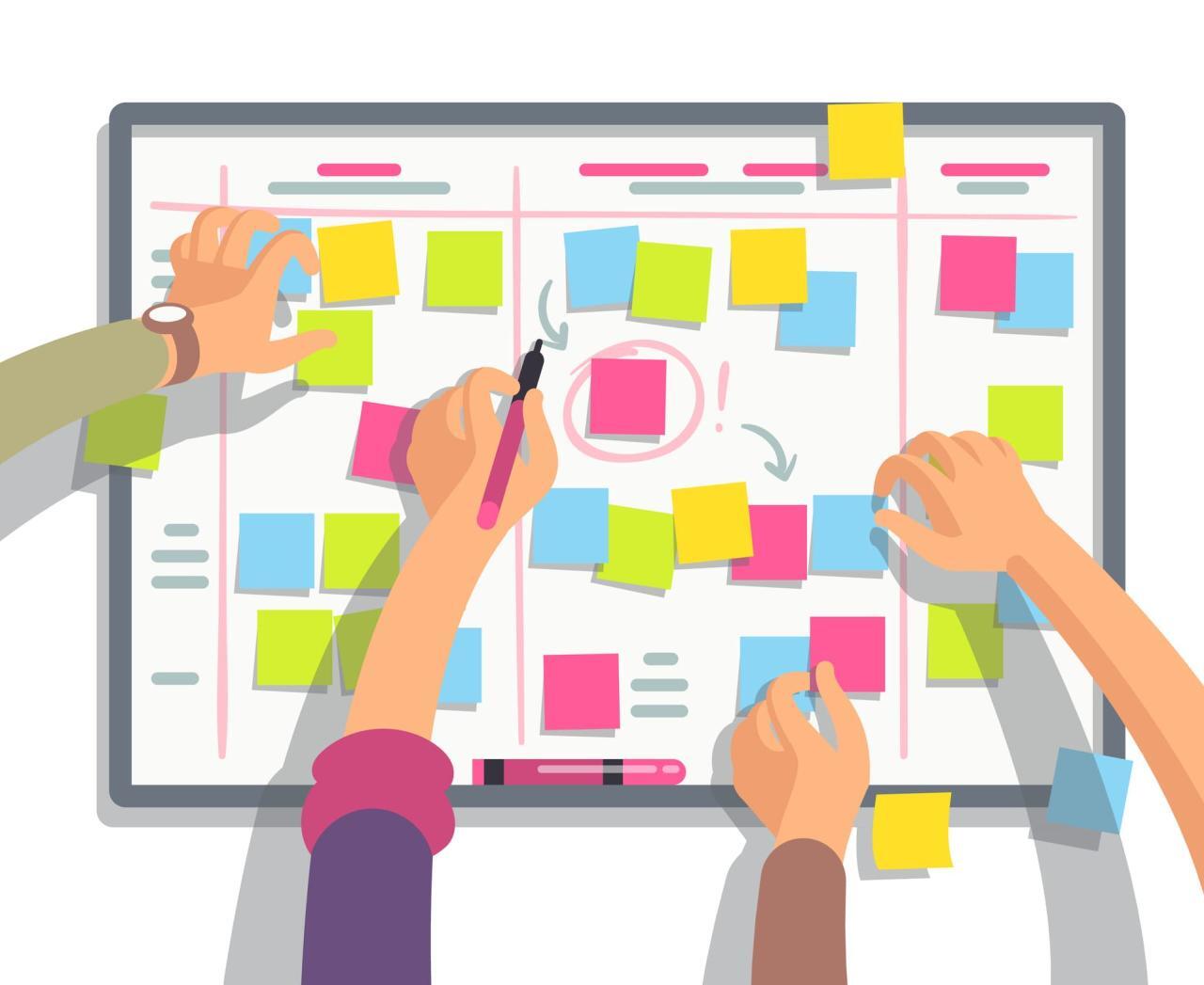
In the ever-evolving digital landscape, the user journey does not end with the initial design and implementation of a website. It requires ongoing assessment and refinement to ensure that it meets the changing needs of users and stays aligned with business goals. Regular updates to user journey maps are essential for identifying new opportunities to enhance user experience and maintain competitive advantage.Maintaining an effective user journey involves continuous feedback and adaptation.
As user behaviors and expectations shift, it is crucial to revisit and revise user journey maps. This proactive approach allows organizations to foresee potential issues and implement improvements that positively impact user satisfaction and engagement.
Importance of Regularly Updating User Journey Maps
Updating user journey maps is vital for several reasons, including adapting to changing user needs and behaviors, incorporating new technologies, and addressing emerging market trends. Regular updates ensure that the user journey remains relevant and effective. A comprehensive checklist for ongoing user experience audits is a practical tool for guiding these updates. This checklist serves as a structured approach to evaluating the user journey and identifying areas for improvement.The following checklist can assist in conducting effective user experience audits on your website:
- Review and analyze user feedback regularly to identify trends and pain points.
- Monitor website analytics to assess user behavior and engagement metrics.
- Conduct usability testing periodically to uncover any navigation issues or obstacles.
- Ensure that all content is current and aligns with user expectations and interests.
- Evaluate the performance of forms and call-to-action elements for effectiveness.
- Test website responsiveness across various devices and browsers to maintain accessibility.
- Stay informed about industry best practices and emerging technologies that may enhance user experience.
Examples of Successful Website Updates Driven by User Journey Analysis
Numerous organizations have successfully leveraged user journey analysis to drive impactful website updates. For instance, a leading e-commerce platform observed a significant drop-off rate during the checkout process. By analyzing user feedback and journey data, they identified confusing navigation elements that hindered the process. After implementing a streamlined checkout flow with clearer calls to action and reduced form fields, the platform experienced a 25% increase in completed transactions.
This example illustrates how targeted updates based on user journey insights can lead to substantial improvements in user retention and revenue.Another notable case is that of a healthcare provider’s website, which initially struggled with user engagement. By mapping out the user journey and pinpointing pain points such as lengthy appointment booking procedures, the provider revamped their online system. They introduced a simplified booking interface, which resulted in a 40% increase in appointment bookings and significantly improved user satisfaction ratings.These examples highlight the importance of continuous improvement in user journey mapping and the positive outcomes that can arise from strategic updates based on thorough analysis.
Last Recap

In conclusion, mastering the art of planning your website’s user journey is not merely a technical endeavor; it is about understanding your users and their needs. By implementing the strategies discussed, you can create a meaningful and seamless experience that encourages users to engage with your content and services. Continuous refinement and adaptation of your user journey based on feedback will ensure long-lasting success and growth for your website.